How to install Step by Step WINXP Step 1: Plan your installation When you run the Windows XP Professional Setup program, you must provide information about how to install and…
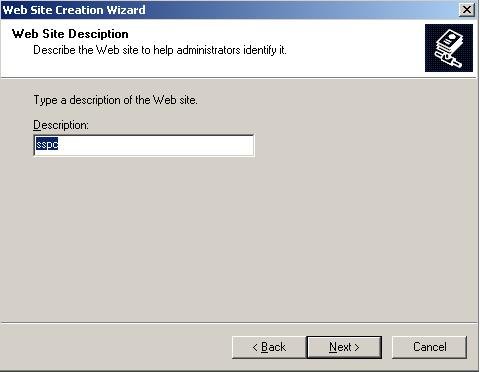
How to upload your Website on local Windows Server 2003 1) On the Start menu, click Control Panel. 2) Double-click Administrative Tools 3) Click on Internet Information Services(IIS)Manager …
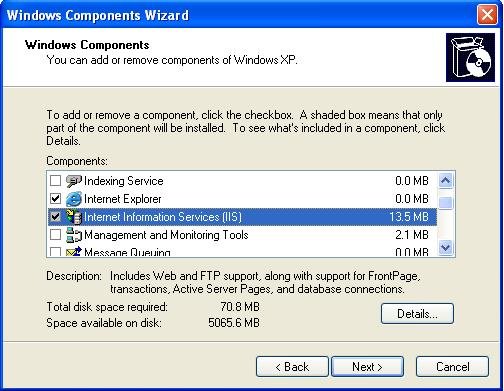
How to install IIS in WINXP 1) On the Start menu, click Control Panel. 2) Double-click Add or Remove Programs. 3) Click Add/Remove Windows Components. 4) Click Internet Information Services…
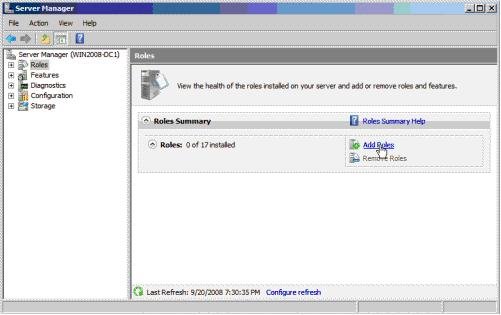
How to install Active Directory in windows server 2008 First Open Server Manager by clicking the icon in control panel from the Administrative Tools folder. After loading click on Roles > Add Roles link.…